

You are comparing quotes for natural language automation software and the per-user numbers do not match. One vendor charges by seat, another by message volume, and a third hides the real cost behind a setup fee. Knowing which model fits your team size and message volume changes what you actually pay.
This guide breaks down per-user, flat-rate, and usage-based pricing, then explains why Tasks.Bot's ₹200 per member monthly rate stands out. You will see how billing frequency affects total cost and what the free trial and beta access include, so you can decide whether this platform fits your budget.
What Is Tasks.Bot and How Does Natural Language Automation Work?
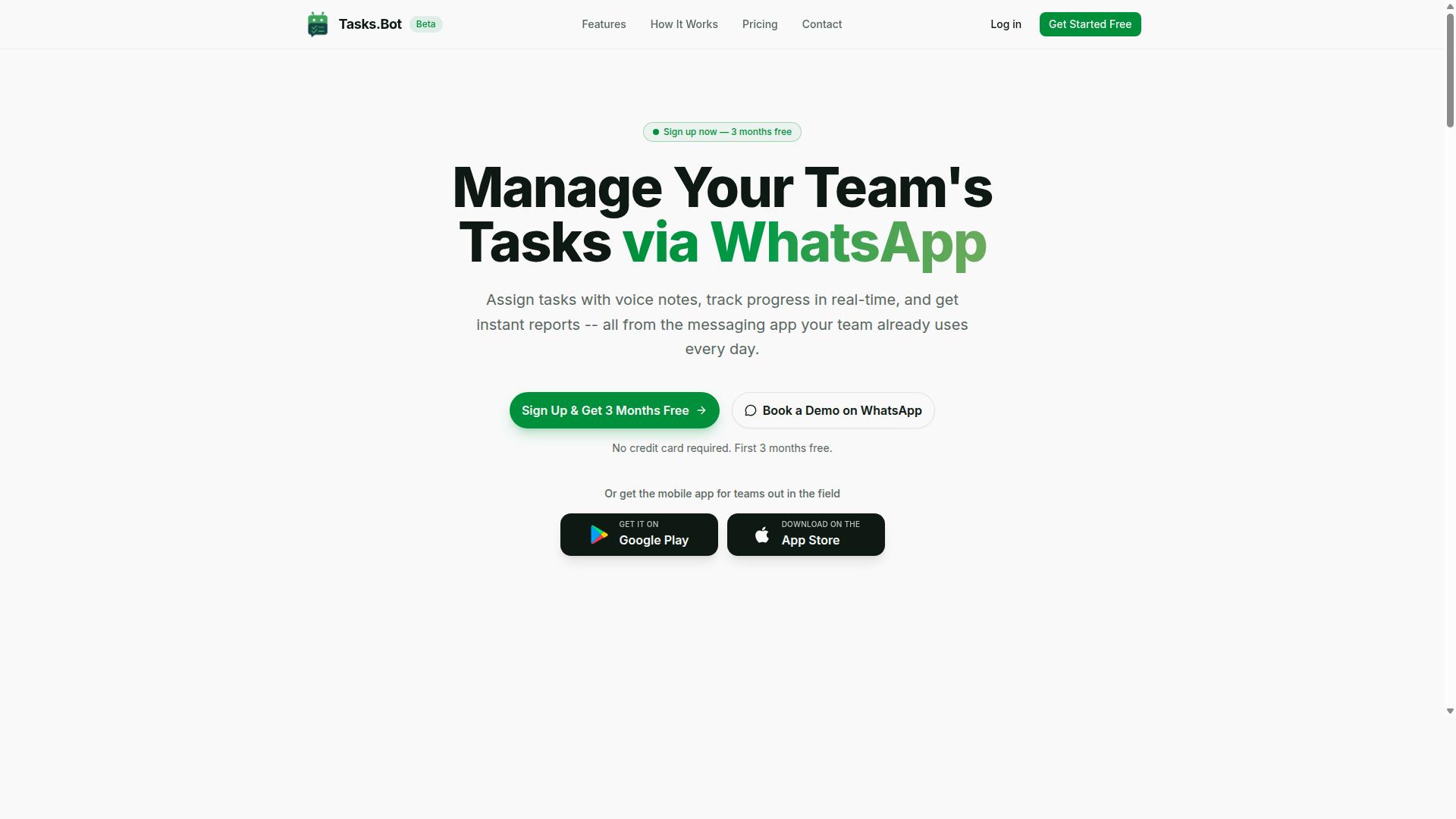
Tasks.Bot is a task management platform that uses natural language processing to let teams create, assign, and track tasks entirely within WhatsApp, without needing to install new software or learn a complex interface. It also offers a mobile app for field teams. The service is currently in beta and includes a free trial period.
Natural language automation means using AI to interpret everyday human language, whether typed or spoken, and turn it into structured actions. Instead of filling out forms with dropdown menus and date pickers, a user simply writes or says what they need. The software handles the rest.
This is where NLP software differs from traditional workflow tools. A conventional app asks you to specify the assignee, the deadline, and the category through separate fields. A natural language system extracts those details from one sentence. That distinction matters for pricing because the AI work behind the scenes, such as intent recognition and entity extraction, is what drives the cost structure of these platforms.
Tasks.Bot applies this approach inside WhatsApp, a messaging app most teams already use daily. A manager can send a message or voice note such as "Assign John to fix the AC at client site tomorrow." The platform parses that request into a task with an assignee, a due date, and a location, ready to track.
Because the input is conversational, there is no manual data entry and very little training required. New team members do not need a walkthrough of menus or settings. They type a message the same way they would message a colleague. This lowers the adoption barrier that often slows down traditional task management rollouts.
The core capabilities that make this work include:
- Task management via WhatsApp, so assignments and updates stay in one familiar thread
- Voice note task creation, which converts spoken instructions into structured tasks
- Automatic task assignment, so the named person is linked to the work without extra steps
- Smart deadline reminders, which help tasks stay visible as due dates approach
Two practical benefits stand out for a business audience. First, there are no new accounts to create for team members who already use WhatsApp, which removes a common source of friction. Second, the system understands natural phrasing, so users do not have to memorize commands or syntax.
For buyers evaluating a natural language automation platform, this model also shapes what you are paying for. The value sits in the AI interpretation layer, not in storage or seats alone. Understanding that helps explain why these tools price differently from basic to-do apps, a theme this pricing guide explores in the sections ahead.
What Should You Pay for Natural Language Automation Software?
When evaluating natural language automation software, you'll encounter a range of pricing models that reflect the underlying costs of AI processing, cloud infrastructure, and ongoing development. Understanding what drives those costs helps you judge whether a quoted price is reasonable or inflated.
At the core, most platforms pay for API calls to language models every time a user sends a request. Each request consumes tokens, and token consumption for NLP tasks such as sentiment analysis, entity extraction, intent recognition, or document processing adds up quickly at scale.
Real-time processing introduces another layer of expense. Compute resources and GPU instances are needed to keep responses fast, especially for speech-to-text, text-to-speech, and conversational AI workloads. Longer documents or heavier models demand more horsepower, and that shows up in the bill.
Beyond raw processing, vendors invest in model training and fine-tuning to improve accuracy for specific industries or use cases. Inference costs, cloud hosting, and data storage round out the picture. Vector databases for semantic search add yet another line item, since storing and querying embeddings requires dedicated infrastructure.
These costs scale with usage and complexity. A small team running occasional text analytics pays far less than an enterprise processing thousands of documents daily. That is why vendors adopt different pricing structures, and why understanding those structures is the first step toward assessing real value.
Typical Pricing Models Explained (Per-User, Flat-Rate, Usage-Based)
Most natural language automation platforms adopt one of three pricing models: per-user (per-seat), flat-rate, or usage-based, each with distinct implications for cost predictability and scalability.
Per-user pricing charges a fixed fee for each team member who uses the software. Costs stay predictable month to month, but the total can climb quickly as teams grow. It suits small teams with consistent usage patterns where every seat is actively used.
Flat-rate pricing offers a single price for unlimited users or a set number of users. Budgeting becomes simpler, and departments with many occasional users often benefit. The trade-off is flexibility: you may pay for capacity you never touch, or hit ceilings that force an upgrade.
Usage-based pricing charges according to consumption metrics like API calls, tokens processed, or compute hours. Cost aligns closely with actual usage, which rewards light months but makes bills variable and harder to forecast. It fits applications with highly variable workloads, such as seasonal chatbot traffic or batch document processing.
Many vendors combine models. A platform might charge per seat plus overage fees once token limits are exceeded, or bundle a base subscription with metered API calls. When comparing quotes, ask which metrics trigger extra charges and how those thresholds are measured.
Why Tasks.Bot's ₹200/Month Per Member Pricing Stands Out
Tasks.Bot's Full Access plan is priced at ₹200 per member per month, or ₹1,200 per member per year, a straightforward per-user model that includes all features.
That structure is unusual in the natural language automation space. Many tools advertise a low base rate, then charge extra for API calls, voice processing, or advanced capabilities. Tasks.Bot takes the opposite approach: one price per member, all features included, with no metered add-ons to track.
Transparency extends to currency. Pricing is available in Indian Rupees and US Dollars, so teams can work in the currency that fits their accounting. For small and medium teams in India, rupee-based pricing removes exchange-rate guesswork from the budget.
The annual plan offers a 50% savings compared to paying monthly. At ₹1,200 per member per year, the effective monthly cost drops to ₹100, versus ₹2,400 per member if billed monthly across twelve months.
New users also get 3 months free, with no credit card required, and can cancel anytime. For teams weighing per-seat licensing against usage-based alternatives, that combination of a low entry point, inclusive features, and predictable billing makes Tasks.Bot's pricing easy to evaluate and easy to recommend.
Key Features That Justify the Price
Tasks.Bot packs a suite of features designed specifically for teams that communicate via WhatsApp, from AI-powered task creation to field-ready attendance tracking.
The value proposition rests on one idea: less manual effort, more accountability. Every feature in the platform either removes a repetitive step, makes responsibility clear, or gives managers a real-time view of what is happening. That is what separates a paid natural language automation tool from a basic to-do list.
When you evaluate pricing, look at what each feature replaces. A tool that captures a voice note and turns it into an assigned task saves the typing, the follow-up message, and the spreadsheet update. Multiply that across a team and the subscription cost starts to look small next to the hours recovered.
The core capabilities that carry the most weight include:
- Voice note task creation powered by AI
- Automatic task assignment
- Smart deadline reminders
- Approvals and automations
- Instant reports
- Tasks on a map and a live day tracker
- Face-verified attendance with shifts, leave, and hours management
Each of these supports a different part of the workday. Task creation and assignment cover intake. Reminders and approvals cover follow-through. Reports and tracking cover visibility. The next two sections break down how these feature sets work in practice and why they matter for the price you pay.
Voice Notes, AI Task Creation, and WhatsApp-Native Workflows
Tasks.Bot's voice note feature lets users speak a task in natural language, which the AI then converts into a structured task, all without leaving WhatsApp.
Consider a message like "Remind Sarah to submit the report by Friday." The platform applies speech-to-text and natural language processing to transcribe the audio, then parses the intent to identify the action, the person, and the deadline. No form, no dropdown menu, no typing.
This matters because manual data entry is where task systems usually fail. People skip the app, forget the due date, or drop the request into a chat thread that nobody tracks. Voice capture removes that friction and reduces the errors that come with rushed typing.
Tasks can also be created through text messages, and the system handles automatic task assignment. Smart deadline reminders and approvals are built into the same flow, so items do not quietly fall through the cracks.
The WhatsApp-native design is the part that changes adoption. Team members do not need to install anything or create new accounts. They interact the way they already do, which means no training required and no resistance to a new tool. Tasks.Bot also offers Android and iOS apps with push notifications, voice capture, and a home screen widget for those who want them.
Security is part of the value too. Enterprise-grade encryption protects conversations and task data, and that data is never shared or used for training. For a natural language automation platform, that combination of low-friction input and strong data handling is a genuine reason the price is justified.
Attendance, GPS Tracking, and Payroll-Ready Hours for Field Teams
For teams with field staff, Tasks.Bot offers attendance tracking with GPS verification and payroll-ready hours, all managed through WhatsApp.
Field workers mark attendance the same way they send any other message. Because the system captures location, it verifies that someone is actually on-site, which helps prevent buddy punching. Face-verified attendance adds a second layer of confirmation that the right person is checking in.
Once attendance is logged, the platform tracks hours worked across shifts, leave, and schedules. Managers get real-time visibility into who is on-site right now, not a report that arrives days later. Hours can then be exported for payroll processing, which removes a recurring administrative chore.
This feature set tends to pay for itself fastest in industries where labor is distributed and time records matter:
- Facility management
- Delivery and logistics
- Field services and maintenance
In these settings, an inaccurate timesheet is not just an inconvenience. It creates payroll disputes, compliance risk, and hours of reconciliation work. A system that captures verified attendance and converts it into payroll-ready hours addresses all three at once.
For buyers weighing a subscription model, this is often the clearest return. The attendance and hours module replaces a separate time-tracking tool, a manual spreadsheet, and the back-and-forth of verifying who was where. Tasks.Bot pairs that with its task management core, so field attendance and day-to-day work live in one WhatsApp-based system rather than two disconnected ones.
Tasks.Bot Pricing and Plans in Detail
Tasks.Bot keeps its pricing simple with a single 'Full Access' plan that includes every feature, available on a monthly or annual basis. There are no tiers, no locked modules, and no feature restrictions based on what you pay. Every member on the plan gets the same complete set of capabilities.
The cost structure is refreshingly direct. The monthly plan is ₹200 per member per month, while the annual plan is ₹1,200 per member per year. Prices are also available in US Dollars, and the site includes a 'Select currency' option with Indian Rupee and US Dollar choices, so you should verify the currency before you commit.
What stands out is the absence of a premium tier. Many natural language automation platforms split users into starter, pro, and enterprise levels, then reserve the most useful features for the highest bracket. Tasks.Bot does not do this. One plan, full access, for everyone.
That model matters for budgeting. With per-seat licensing, your total cost scales with team size rather than with how deeply you use the tool. A five-member team pays for five seats, whether they run a handful of workflows or hundreds. For a pricing guide, this is the simplest possible cost structure to forecast.
The sections below break down how monthly and annual billing compare, and what new users can expect when they explore the platform.
Monthly vs. Annual Billing: The 50% Savings Breakdown
Choosing annual billing with Tasks.Bot cuts your cost per member from ₹2,400 per year to ₹1,200 per year, a 50% saving that makes a significant difference for teams of any size. The math is straightforward: ₹200 multiplied by 12 months equals ₹2,400, while the annual plan is listed at ₹1,200 per member for the full year.
In other words, the annual plan effectively gives you two months free. You pay for ten months and get twelve. The brand states the annual option saves ₹1,200 per year per member, which lines up exactly with the monthly total.
So when does annual billing make sense? Consider these scenarios:
- Stable headcount: if your team size is unlikely to shrink, locking in the annual rate avoids paying the higher monthly equivalent.
- Long-term projects: multi-month automation initiatives benefit from predictable, prepaid costs.
- Budget planning: a single annual line item is easier to approve than twelve recurring charges.
Monthly billing still has its place. Teams in a trial phase, or those with fluctuating headcount, may prefer the flexibility of paying month to month and accepting the higher effective rate.
Importantly, the annual plan does not strip anything away. All features and support remain included, so the 50% saving is a straightforward incentive to commit annually rather than a trade-off. For most established teams, the annual option is the more economical choice.
Free Trial and Beta Access: What New Users Get
Tasks.Bot is currently in beta, and new users can book a demo on WhatsApp to explore the platform before committing to a paid plan. This is the most direct way to see how the natural language automation workflow fits your needs.
On top of that, the brand states that new users get 3 months free, with no credit card required and the ability to cancel anytime. That combination lowers the barrier considerably. You can evaluate the full-access plan without an upfront payment or a long-term obligation.
The website also mentions a refund policy in the footer, which adds another layer of reassurance for anyone weighing the annual commitment. Between the free period, the no-card requirement, and the refund policy, the financial risk of trying the platform is low.
If you want beta access or want to ask about any promotional offers, the recommended path is to contact the sales team through the WhatsApp demo option. That channel lets you confirm current terms, verify currency selection, and get answers specific to your team size.
For a pricing guide, this setup is worth noting: you are not asked to pay before you understand the product. The beta status means the platform is still evolving, so early users may see changes over time. Still, the free months and cancel-anytime terms mean you can test the full-access plan on your own terms before deciding whether the monthly or annual rate suits your team.
Who Should Use Tasks.Bot
Tasks.Bot is built for teams that already rely on WhatsApp for communication, especially those with field staff who need task management, attendance tracking, and payroll-ready hours. If WhatsApp is where your work conversations already happen, Tasks.Bot fits into that habit instead of asking your team to learn a new platform.
That focus shapes who gets the most value from it. The software is designed around the communication tools people already use every day, not around a separate app that requires training and buy-in.
The strongest fit tends to fall into three broad groups:
- Small and medium businesses that want task oversight without a heavy enterprise system
- Field service teams in maintenance, delivery, and security, where staff work away from a desk
- Remote teams that treat WhatsApp as their primary channel for coordination
For field service crews, the appeal is practical. A maintenance technician, a delivery driver, or a security officer on shift does not want to open a laptop to log hours or confirm a job. Because Tasks.Bot works inside WhatsApp, the barrier to adoption drops sharply for non-tech-savvy workers. There is no new interface to master, no forgotten password, and no separate login to remember.
This matters for pricing decisions too. Software that never gets used is the most expensive software of all. A tool that lives in an app your team already opens many times a day avoids the quiet failure mode where licenses are paid for but adoption stalls.
Tasks.Bot is available globally, so location is not a limiting factor. Teams can be spread across regions and time zones and still coordinate through the same familiar messaging environment.
The service is also not a niche experiment. The site notes that hundreds of teams already use it, which suggests the model works for more than a single type of operation. For a buyer weighing cost, that existing base is a useful signal when comparing a subscription against tools that demand lengthy onboarding.
If your team does not use WhatsApp as a core communication channel, or if your staff all work from desktops with an established project management system, Tasks.Bot may not be the natural starting point. The fit is strongest where messaging is already the default and field or remote work is part of daily operations.
Final Verdict: Is Tasks.Bot Worth the Price?
At ₹200 per member per month, Tasks.Bot delivers a compelling value proposition for teams that want to automate task management without leaving WhatsApp. The pricing is transparent and per-user, which means you pay only for the people actually using the platform. There are no hidden tiers, no surprise overage charges, and no separate fees for premium capabilities.
That last point matters more than it might seem. Many NLP software vendors advertise a low entry price, then charge extra for the features teams actually need. Every feature is included at the base rate with Tasks.Bot, so the number you see is the number you pay.
Annual billing cuts the cost in half, bringing the effective rate to 50% savings compared to paying month to month. For a team of ten, that difference adds up quickly over a year. It is one of the clearest cost advantages in the natural language automation space.
What you get for that price is a focused set of capabilities built around how teams already communicate:
- Voice note task creation, so instructions spoken in a chat become tracked work items
- GPS attendance, useful for field teams and remote staff
- Payroll-ready hours, which removes manual timesheet reconciliation
These are not novelty features. They replace tools that teams often pay for separately, such as a time tracker, an attendance app, and a task manager. Consolidating them into one WhatsApp-based workflow reduces both software spend and the friction of switching between apps.
Compare this to typical NLP automation pricing. Many chatbot platforms and virtual assistant tools charge per-seat licensing fees that climb with headcount, then add usage-based pricing on top for API calls, token consumption, or inference costs. Enterprise tiers frequently gate features like workflow automation or document processing behind custom quotes. Tasks.Bot avoids that layered cost structure entirely, with one flat per-member rate and no usage metering.
For WhatsApp-centric teams, the verdict is straightforward. Tasks.Bot is cost-effective, predictable, and purpose-built for the way small and mid-sized teams already work. If your operations run through WhatsApp chats, paying enterprise prices for a conversational AI platform you will only partly use makes little sense.
To learn more or get started, reach out through any of these channels:
- Phone: +91 97143 42522
- Email: hello@tasks.bot
- Book a demo on WhatsApp
The combination of transparent per-user pricing, all features included, and 50% savings on annual billing makes Tasks.Bot a practical choice. For teams that want automation without complexity or hidden costs, it is worth the price.
Frequently Asked Questions
How is Tasks.Bot priced?
Tasks.Bot keeps pricing simple with a single 'Full Access' plan that includes all features. It costs ₹200 per member per month, or ₹1,200 per year per member on the annual plan, which saves 50%. Pricing is available in Indian Rupees and US Dollars.
Do I pay per user, or is there a flat team price?
Tasks.Bot charges per member, so your cost scales with the size of your team. Because the plan includes all features, you don't have to budget extra for add-ons or tier upgrades as your needs grow.
Why do some natural language automation tools cost far more than others?
Pricing usually reflects how a tool is built and delivered. Platforms that require custom setup, dedicated onboarding, or per-seat enterprise contracts tend to cost more, while tools that run inside apps your team already uses can keep costs lower. Tasks.Bot, for example, operates entirely within WhatsApp, so team members don't need to install anything or create new accounts.
Is there a free trial or demo before I commit?
Tasks.Bot is currently in beta and offers a 'Book a Demo on WhatsApp' option so you can see how it works before deciding. The site also mentions a refund policy in the footer, so it's worth reviewing the terms before you purchase.
What should I look for when comparing natural language automation pricing?
Look beyond the headline price at what's actually included: whether all features are in one plan, whether you're charged per member, and whether the tool fits how your team already communicates. Tasks.Bot bundles everything into one plan, with features like voice note task creation, smart deadline reminders, approvals and automations, instant reports, and tasks on a map.
Does Tasks.Bot work for teams outside India, and does that affect the price?
Tasks.Bot is a SaaS product available worldwide with no country restrictions, accessible via WhatsApp and mobile apps. Pricing is offered in both Indian Rupees and US Dollars, so international teams can pay in their preferred currency.